Folders first
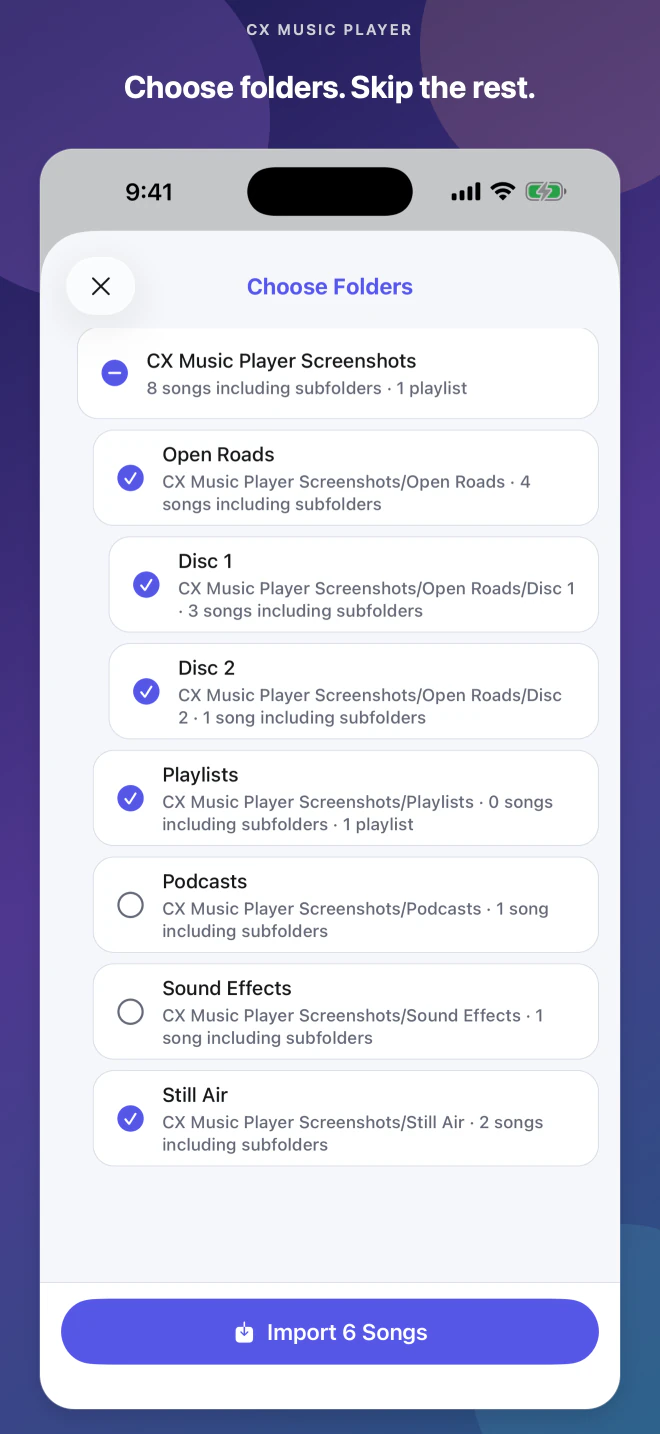
Choose what belongs before importing.

 CX Music Player
Offline music for iPhone & Android
Choose a folder, keep its structure, and listen offline—without an account, ads, or streaming.
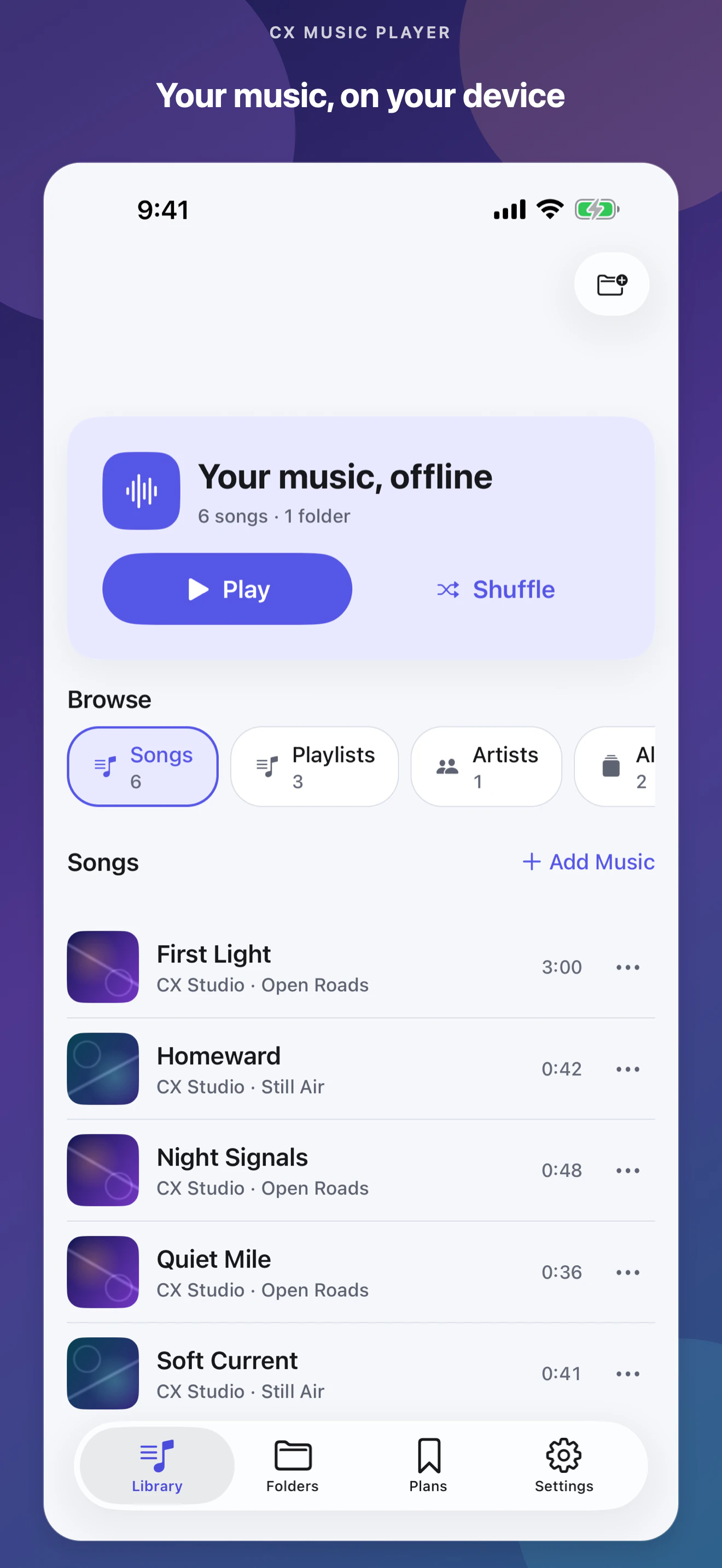
Built around your collection
Choose what belongs before importing.
Play music already on your device.
Listen now or save ideas for later.
No account, ads, analytics, or tracking.
From folder to playback
You stay in control of what the app can see and what enters your Library.
Pick a music folder through your phone's system file picker.
Leave out podcasts, samples, or any folder that does not belong.
Browse by song, album, playlist, or folder and keep playing offline.
Pre-release iPhone preview
Early iPhone screens with fictional demo tracks. Final visuals may change; Android preview to follow.
Beyond playback
Two focused tools help when the audio is not yet in your Library—or when you need fewer taps.
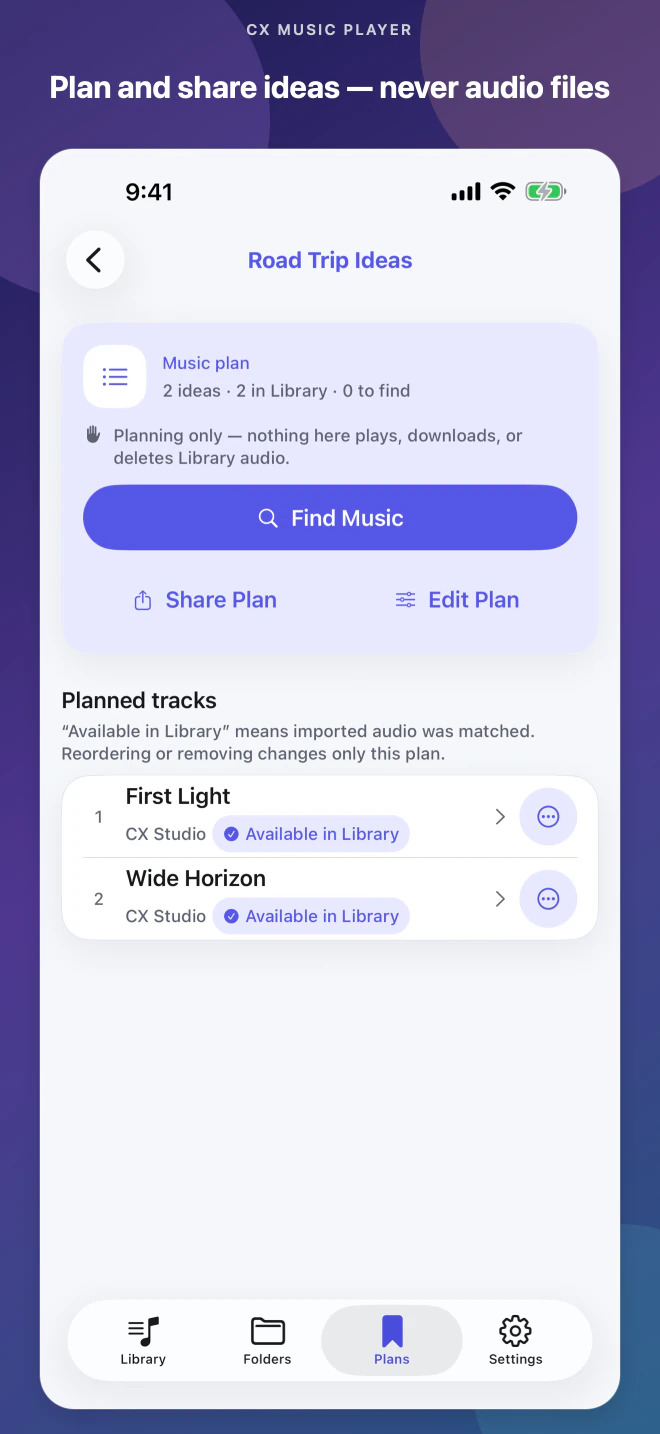
Save titles, notes, and public links separately from playable Library tracks.
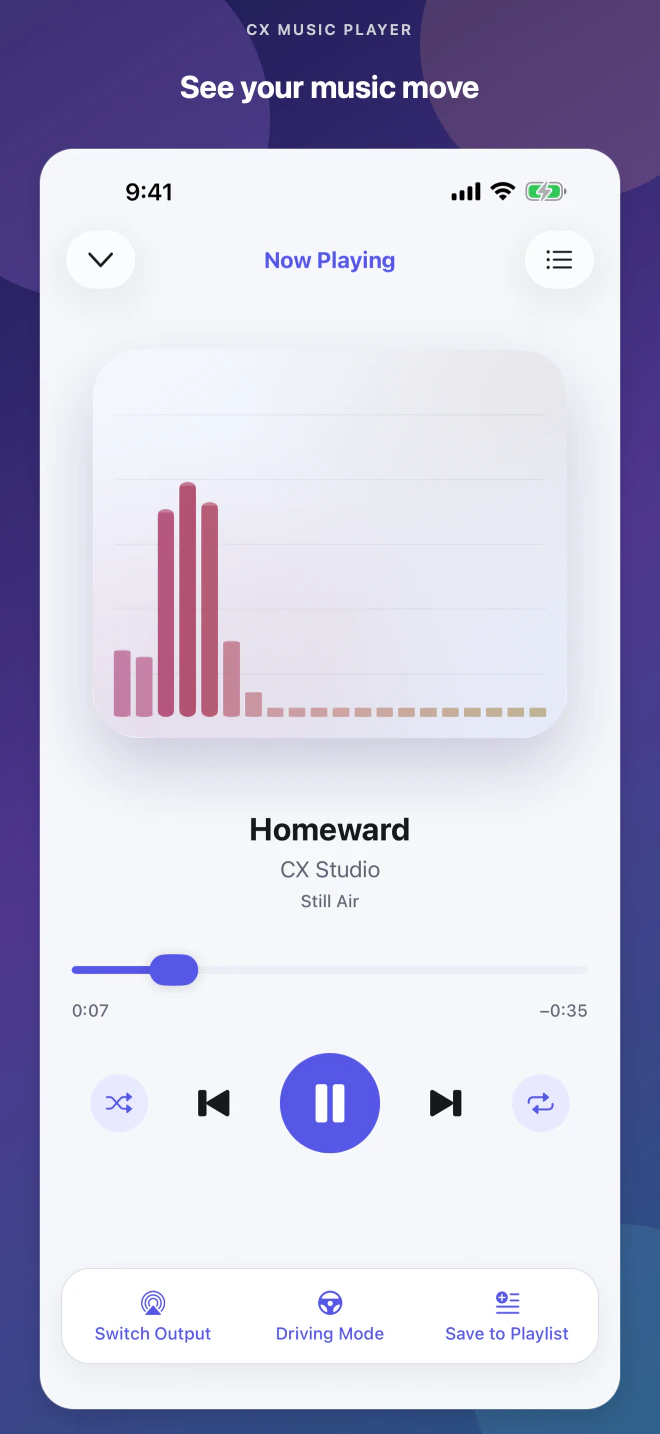
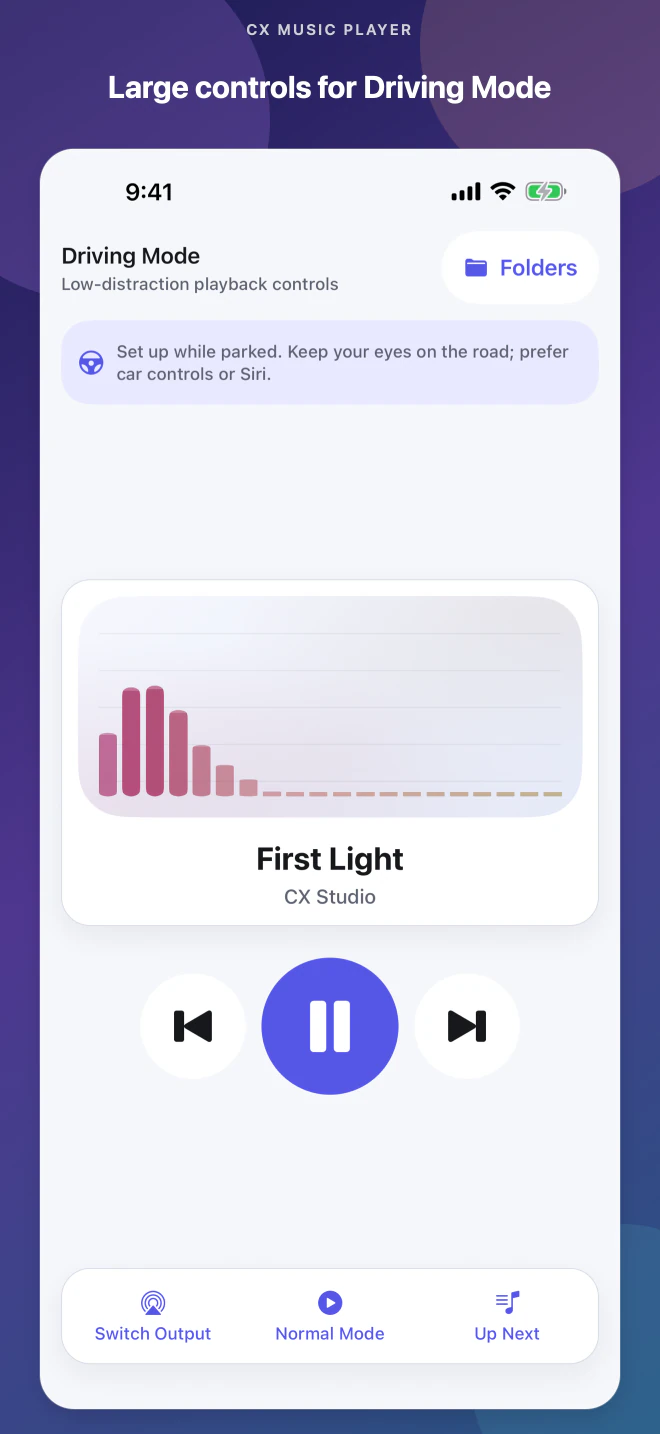
Set up while parked, then use a simpler manual playback view.