

Available now
PPL theory companion
Pilot Planner
A clearer route through PPL theory.
A broad syllabus, turned into focused sessions: organized subjects, timed practice, and progress you can use.


For iPhone and Android
The study loop
One session, a clear purpose.
Three screens carry a study session from start to finish. Nothing else asks for attention along the way.
-
01
Choose a subject
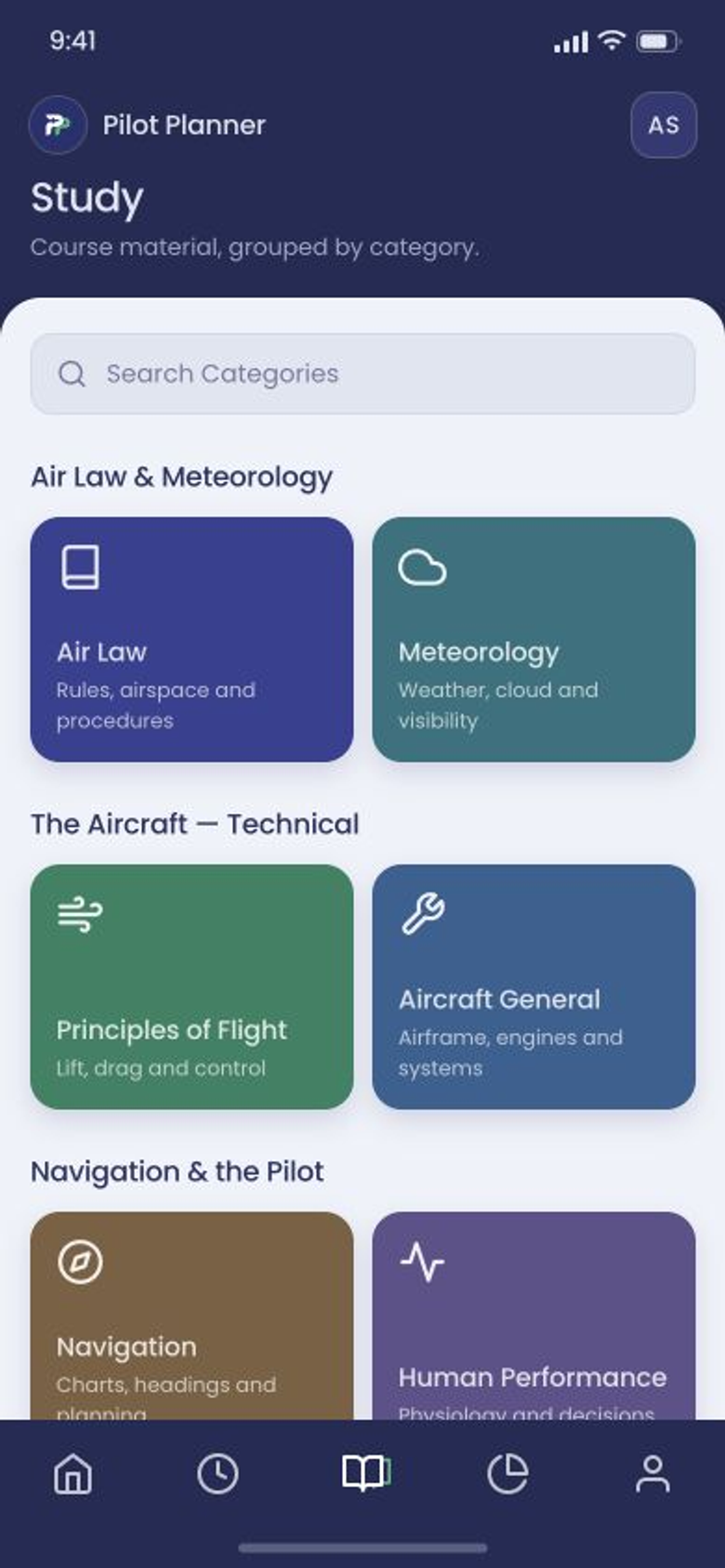
Available PPL theory subjects, grouped by category and searchable, from Air Law to Principles of Flight.
-
02
Work the question
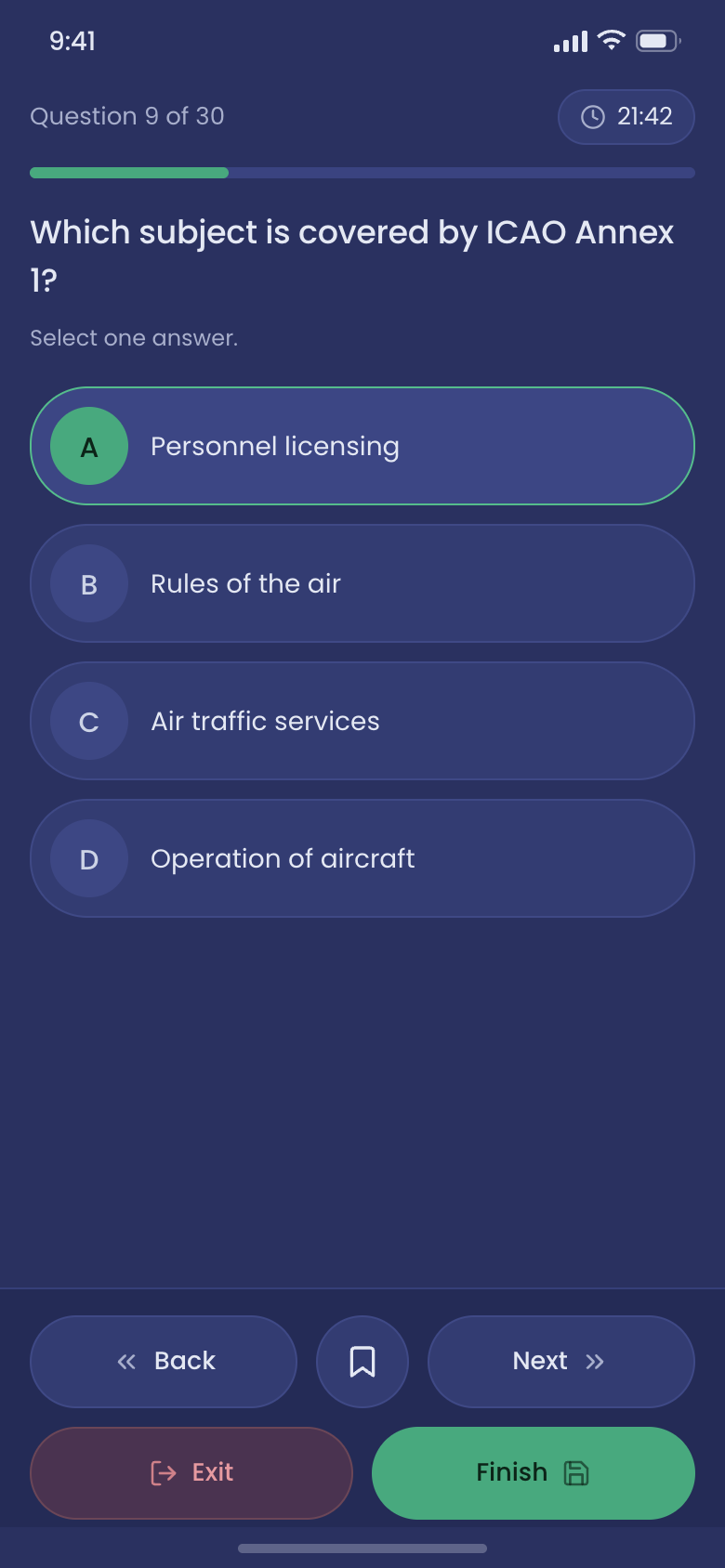
Choose the question count for each session, with the timer and progress bar kept in view and one answer to give.
-
03
Keep what matters
Bookmark a question to hold it on your saved list, or finish and review how the session went.
Start with direction
Open to a plan, not a blank dashboard.
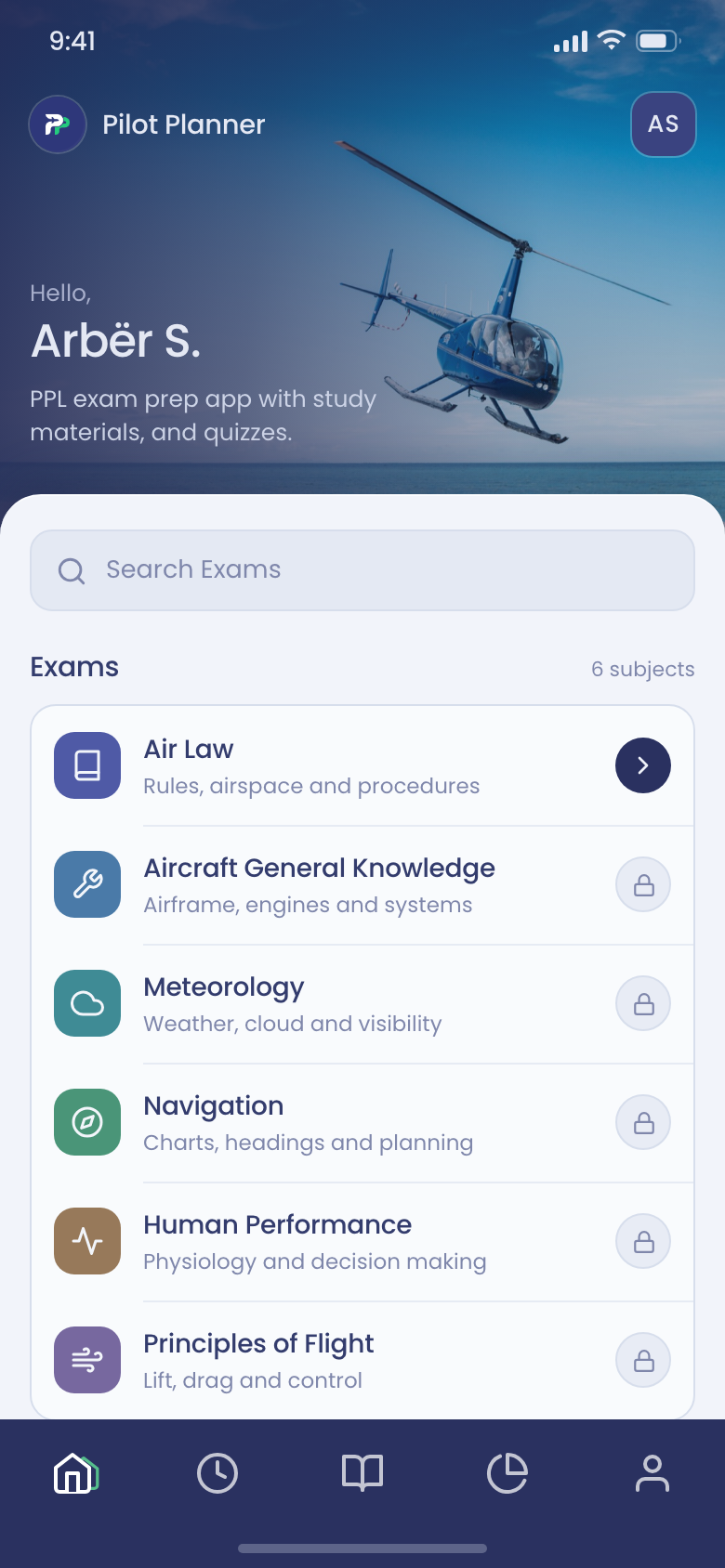
Available exam subjects sit on the first screen, ready to search or open directly. Search when you know what you want; otherwise, start at the top.
- Subjects in viewAir Law through Principles of Flight
- Search examsJump straight to a subject by name
- Five sectionsHome, timed practice, study, performance, and account
Practice with intent
The question stays at the center.
Question count, elapsed time, and progress sit above the prompt, and the session controls sit below it. Between them there is only the question and four answers.
- Session progressQuestion 9 of 30, with a timer
- Four answersOne selection, held until you move on
- Save or finishBookmark it, or end and review
Public product previews use independently written or public-fact questions, not a confidential exam bank.
Inside Pilot Planner
The complete session stays in view.
Home, study, and practice at full size. Swipe to move through the screens.
-
Home Theory subjects, ready to search. -
Study Course material by category. -
Practice Question 9 of 30, timed.